
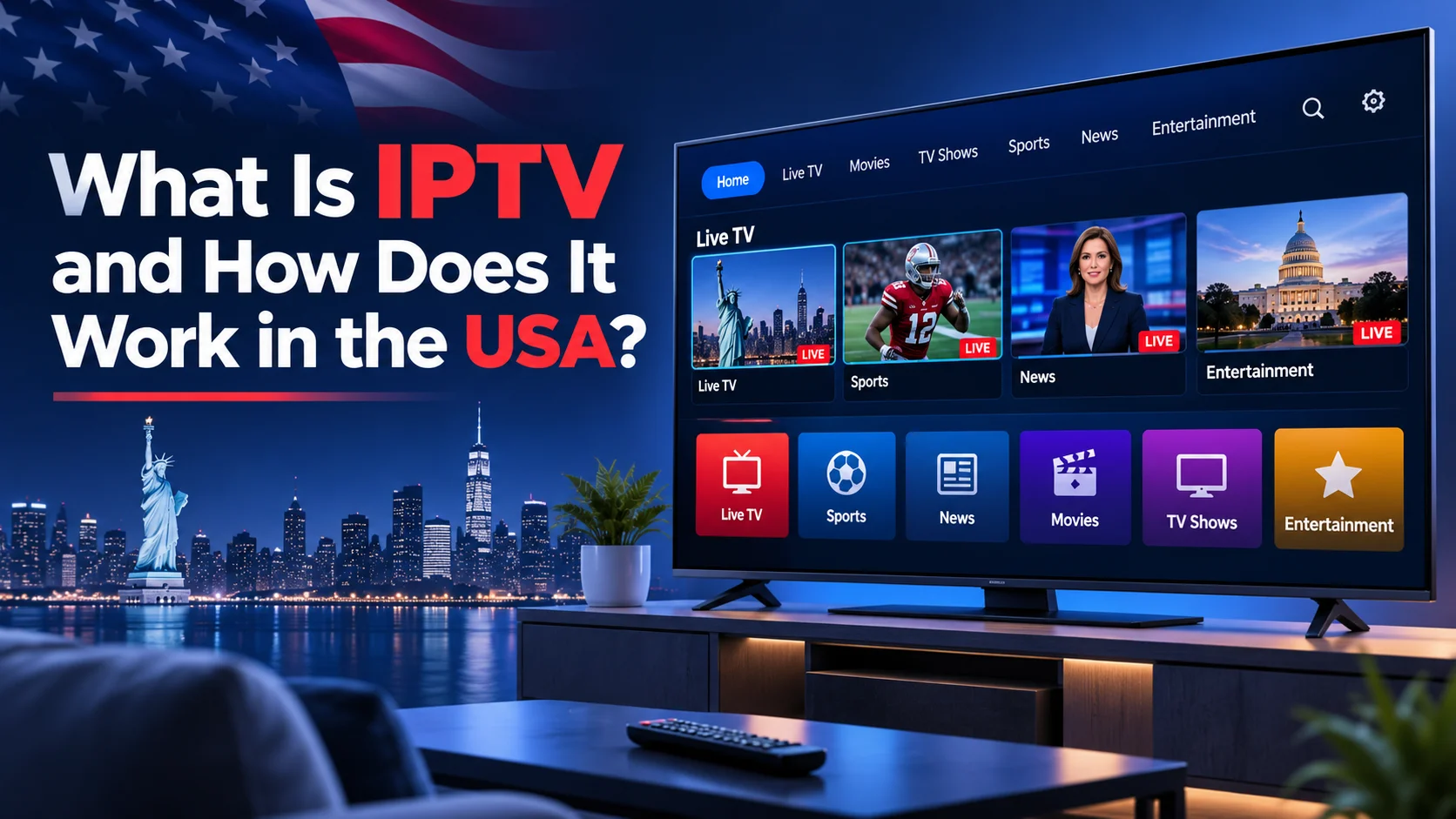
What Is IPTV and How Does It Work in the USA?
What Is IPTV and How Does It Work in the USA?
Internet streaming has changed how people watch TV. Instead of using only old cable or satellite services, people can watch live TV, videos on demand, and other digital entertainment through devices that are connected to the internet. One technology behind this change is IPTV.
What is IPTV, how does it function, and what should people in the United States understand before selecting an IPTV service?
In this beginner-friendly guide, we explain what is IPTV and how IPTV works, which devices can support it, what internet speed you may need, how it compares with cable TV, and how to evaluate a service responsibly.
For viewers looking to understand internet-based television, exploring IPTV USA options can help them learn about available streaming features, compatible devices, and viewing choices.
What Is IPTV?
IPTV stands for Internet Protocol Television. It’s a way of sending TV shows over the internet instead of just using regular TV signals, cable, or satellite.
Depending on the provider, IPTV services may offer live television channels, video-on-demand content, and access to previously broadcast programs. The features you can use depend on the service you’re on, the agreements it has with content providers, and the device you’re using.
It’s important to know that IPTV refers to a way of delivering TV content, not a promise of specific channels, good video quality, or always having content available. Different providers can offer very different experiences.
How Does IPTV Work?
IPTV transmits video content to a device that is capable of receiving it via internet network technology. Although the technical infrastructure can vary, the basic process is relatively straightforward.
1. Content Is Prepared for Streaming
A content provider obtains video programming and prepares it for digital distribution. This can involve encoding, compression, and other processing that makes the video suitable for delivery over a network.
Authorized providers need to have the correct permissions to share the content they provide.
2. Video Is Delivered Over an Internet Network
The provider sends video data through its delivery infrastructure. Depending on the service, content may be distributed using dedicated networks, content delivery networks, or other internet-based systems.
A stable connection between the provider and the viewer helps reduce interruptions and maintain a consistent streaming experience.
3. Your Device Receives the Stream
When you pick a channel or video, your device that works with it connects to the right service and gets the needed information.
The device could be a smart TV, streaming device, computer, tablet, or smartphone, provided the service supports it.
4. The Player Displays the Video
A matching app or media player takes the incoming data and shows the content on your screen.
Streaming applications may also include features such as channel guides, playback controls, subtitles, and program information. These features vary by provider and application.
In simple terms, IPTV delivers television content using internet networking technology, while compatible software and hardware make that content viewable.
What Types of Content Can IPTV Offer?
The content you are able to view on IPTV is contingent upon the provider you choose and the rights they have to display it. Common content categories include the following.
Live Television
Live TV lets people watch shows as they are being aired or sent through the internet. Depending on the service, it might offer news, entertainment, sports, and local shows.
Viewers should check the provider’s current channel list to confirm whether their preferred channels are available.
Video on Demand
Video on demand, commonly called VOD, allows viewers to select available movies, television episodes, or other video content instead of watching only according to a broadcast schedule.
A VOD library can change over time because content availability depends on licensing and provider agreements.
Catch-Up and Replay Features
Some services let you watch shows again later, even after they first aired on TV.
These features are not universal. The provider determines availability, playback windows, and supported programs.
When comparing IPTV USA Services, review content availability, device compatibility, streaming requirements, customer support, and the provider’s content authorization before making a decision.
What Devices Can You Use for IPTV?
One of the practical considerations when selecting an IPTV service is device compatibility.
Smart TVs
A lot of smart TVs include built-in app platforms that allow streaming apps. Nevertheless, not all television brands and operating systems support every IPTV application.
Verify that the service supports your specific TV model before signing up.
Amazon Fire TV Devices
Devices that are compatible with Fire TV can use supported streaming apps. Installation methods and application availability depend on the device, region, and provider.
Use trusted installation sources and follow the application’s official instructions.
Android TV and Google TV
Android TV and Google TV devices are compatible with a wide variety of streaming apps. Check the official application listing and the provider’s device requirements before installing anything.
Smartphones and Tablets
Applications for compatible Apple or Android smartphones are offered by certain IPTV services. Mobile streaming can be useful when travelling or watching away from the main television.
Remember that mobile data consumption can be substantial when streaming video for extended periods.
Computers and Laptops
Certain services work through a web browser or a compatible desktop application. Check the provider’s supported browsers, operating systems, and playback requirements.
Important: Knowing what is IPTV also helps you understand how compatible smart TVs, streaming devices, smartphones, and computers can deliver internet-based television.
What Internet Speed Do You Need for IPTV?
The quality of your streaming is significantly influenced by your internet connection. The required bandwidth depends on video resolution, compression, network conditions, and whether other people are using the same connection.
As a general planning guide, you might start with the following estimates for one active video stream:
- Standard definition (SD): Around 3–5 Mbps.
- High definition (HD): Around 5–10 Mbps.
- 4K streaming: Around 15–25 Mbps or more.
These are approximate planning figures, not universal requirements or guarantees. A particular service may recommend different speeds.
If several people stream videos, play online games, or download large files simultaneously, your household will need additional available bandwidth.
Tips for Improving Streaming Performance
If your stream buffers frequently, try these practical steps:
- Test the internet speed in the vicinity of the streaming device.
- Restart your router and streaming device if either is experiencing problems.
- Use an Ethernet connection when practical, especially for stationary devices.
- If you use Wi-Fi, move closer to the router or improve your wireless coverage.
- Pause large downloads and other bandwidth-intensive activities.
- Check whether the problem affects one channel, one application, or every online service.
If the issue persists, get in touch with the support staff of the streaming service or your internet provider. Buffering can result from several factors, so increasing internet speed is not always the only solution.
Understanding how your internet connection may impact playback stability and streaming quality is just as crucial to understanding IPTV.
IPTV vs. Traditional Cable TV
IPTV and traditional cable television can both provide access to television programming, but their delivery methods and service arrangements differ.
Delivery Method
IPTV uses internet protocol networks to deliver video. A cable television distribution network is often used by traditional cable TV.
Some cable providers also offer internet-based applications, so the distinction is not always absolute.
Device Flexibility
IPTV can support a variety of internet-connected devices, depending on the operator. Cable television often relies on provider equipment, although many cable companies also offer apps for compatible devices.
Content and Availability
Neither delivery method guarantees that every channel or program will be available. Subscription periods, license agreements, channel lineups, and regional limitations are all important.
Costs and Subscription Terms
Pricing varies widely. Some services charge equipment fees, installation costs, or additional fees for particular packages. A separate internet subscription can also be necessary for internet-based television.
Compare the complete monthly cost, contract terms, cancellation policy, and content lineup instead of judging a service by its advertised starting price alone.
Ultimately, the better option depends on your viewing habits, budget, location, internet connection, and preferred channels.
Understanding what is IPTV makes it easier to compare internet-based television with traditional cable TV and evaluate their differences.
What Are the Benefits and Limitations of IPTV?
Although IPTV has a number of benefits, not all viewers will find it to be the ideal option.
Potential Benefits
Flexible viewing: Compatible services may let you watch on televisions, computers, and mobile devices.
Content options: Depending on the provider, you may have access to live programming, on-demand videos, or replay features.
Internet-based delivery: IPTV can provide an alternative to conventional television delivery infrastructure.
Convenient interfaces: Some applications offer searchable channel lists, electronic program guides, favorites, and playback controls.
Potential Limitations
Internet dependency: A weak or unstable connection can interrupt playback.
Variable quality: Picture quality depends on the source, encoding, device, network, and provider infrastructure.
Device limitations: Not all services are compatible with all TVs and OS systems.
Content limitations: Channel availability and on-demand libraries vary and may change.
Provider reliability: Customer support, billing practices, privacy protections, and service continuity differ between providers.
Review these factors before making a subscription decision.
Is IPTV Legal in the USA?
IPTV technology itself is not inherently illegal in the United States. The legal considerations depend on the content being distributed, the rights held by the provider, and the circumstances of the service.
Legitimate television networks, streaming platforms, and authorized distributors can use internet-based delivery to distribute programming.
However, a service that distributes copyrighted movies, sports broadcasts, or television channels without the necessary authorization may raise copyright and other legal concerns.
Before choosing a service, consider these checks:
- Look for easily available customer service and clear company information.
- Examine its subscription terms, privacy statement, and terms of service.
- Verify if it describes its distribution or content licensing arrangements.
- Be cautious of extraordinary promises, unclear ownership, and suspicious payment requests.
- Prefer providers with transparent billing and cancellation procedures.
A professional-looking website or a large advertised channel list does not, by itself, prove that a provider is authorized.
For specific legal questions, consult a qualified US attorney or an authoritative copyright resource.
How to Pick a Trustworthy IPTV Service in the United States
Comparing channel counts is only one aspect of selecting an IPTV service. Use the following checklist to evaluate your options.
1. Confirm Your Preferred Channels
Verify if the service provides the local television, sports, entertainment, and news that you actually watch. Confirm regional availability and any restrictions that may apply.
2. Check Device Compatibility
Before making a payment, confirm that the service supports your computer, smartphone, streaming device, and television.
3. Understand the Subscription Terms
Review the price, billing frequency, renewal conditions, cancellation process, and any extra charges.
Before choosing an IPTV Subscription in USA, compare the available plans, supported devices, channel selection, billing terms, and cancellation policies to find an option that meets your needs.
4. Evaluate Streaming Requirements
Check the recommended internet speed, supported video resolutions, and any known device limitations.
5. Review Customer Support
Look for clear contact information, useful setup instructions, and a straightforward process for reporting technical issues.
6. Protect Your Privacy
Read the privacy policy and avoid giving unnecessary personal or payment information to an unverified provider. Keep applications and devices updated.
7. Check Content Authorization
Choose a provider that can clearly explain its rights to distribute the content it offers.
Taking these steps can help you make a more informed decision and reduce the risk of choosing an unsuitable service.
Frequently Asked Questions About What is IPTV
What Is IPTV and How Does It Work?
IPTV stands for Internet Protocol Television. It delivers television content over internet protocol networks.
Do I need the internet for IPTV?
Internet-based IPTV generally requires a network connection to access and stream content. The required speed depends on the service, video quality, and number of simultaneous streams.
Can I watch IPTV on my smart TV?
Yes, if your television and the service support a compatible application or playback method. Check the specific model and provider requirements.
Is IPTV better than cable TV?
It depends on your preferences. IPTV may offer flexible device support and internet-based features, while cable may suit viewers who prefer an established television package. Compare cost, channel availability, reliability, and equipment requirements.
Can IPTV buffer even with fast internet?
Yes. Buffering may result from Wi-Fi interference, network congestion, provider-side issues, device limitations, or other technical problems. A speed test is a useful first step but does not identify every possible cause.
Is every IPTV service legal?
No. IPTV is a delivery technology, and the legal status of a service depends in part on whether its content is distributed with the necessary authorization. Research providers carefully before subscribing.
Does IPTV include local US channels?
Some services provide local programming, while others do not. Availability can depend on your location, the provider’s agreements, and the channels included in your package.
Now that you understand what is IPTV, you can compare available services, check device compatibility, and choose an option that suits your viewing needs.
Final Thoughts About What is IPTV
IPTV offers an internet-based way to access television programming and, depending on the provider, live channels, on-demand content, and other streaming features.
For viewers in the United States, the most important considerations are device compatibility, internet reliability, content availability, subscription terms, privacy, and licensing.
Before selecting a service, take time to compare your options and confirm that the provider meets your needs. A little research can help you avoid unnecessary costs and choose a more suitable viewing experience.
Now that you understand what is IPTV, you can compare compatible devices, streaming requirements, and service options before making a decision.
If you want to learn more, explore our IPTV USA guides for additional information about what is IPTV setup, device compatibility, streaming performance, and troubleshooting.